
ECN Viewer
ECN Viewer is the web control plane for Eclipse ioFog. It provides a UI for daily operations that usually require iofogctl: viewing cluster health, managing Agents and workloads, editing YAML resources, and auditing controller actions.
Access and Auth
- ECN Viewer is served by the Controller.
- Access control follows the same RBAC model used by
iofogctland Keycloak. - Users only see namespaces and resources permitted by their role bindings.
1) Overview Dashboard
Use the Overview section to quickly validate cluster health, edge node counts, and workload utilization.
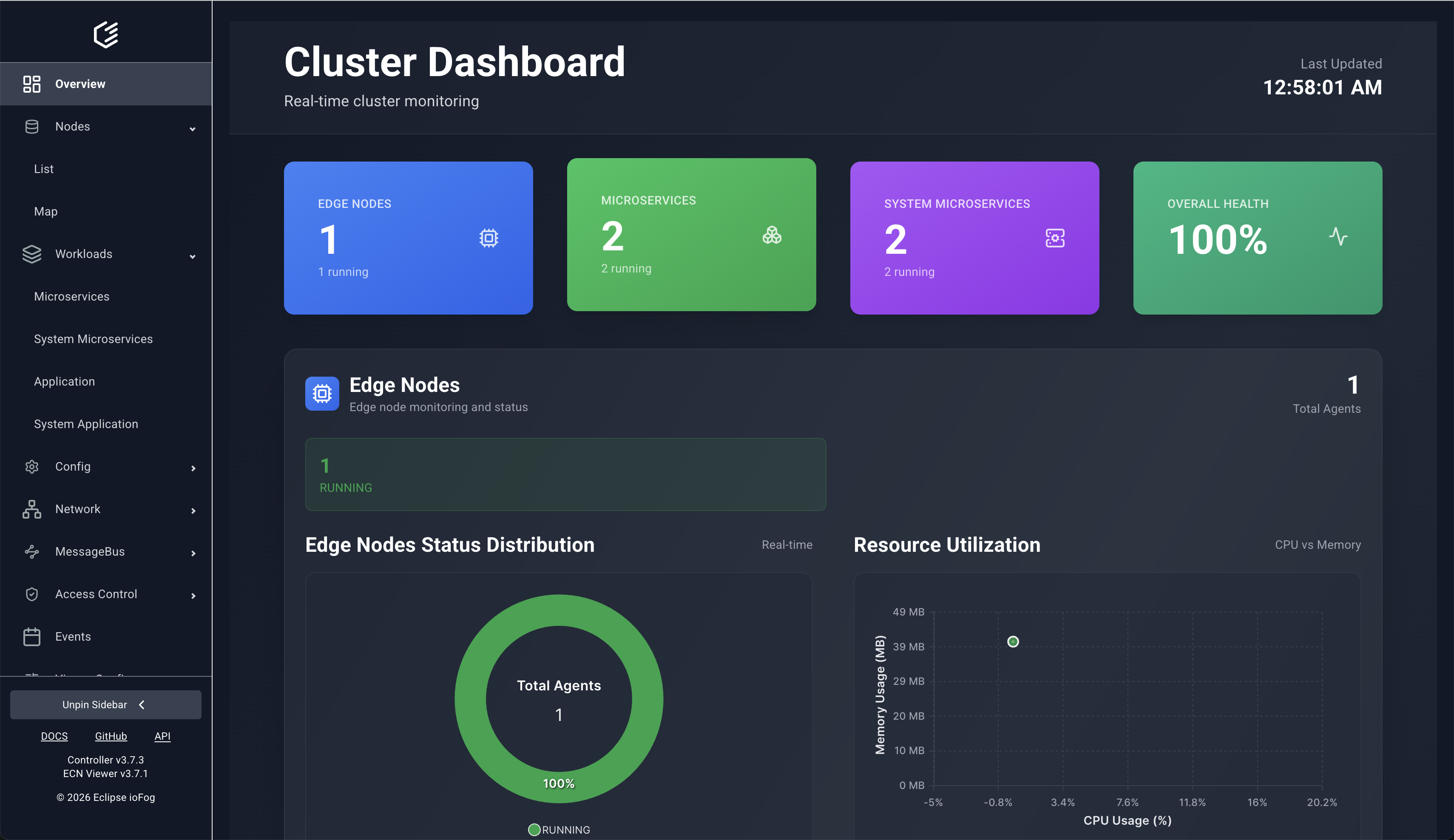
The overview also includes focused cards for user workloads and system workloads.
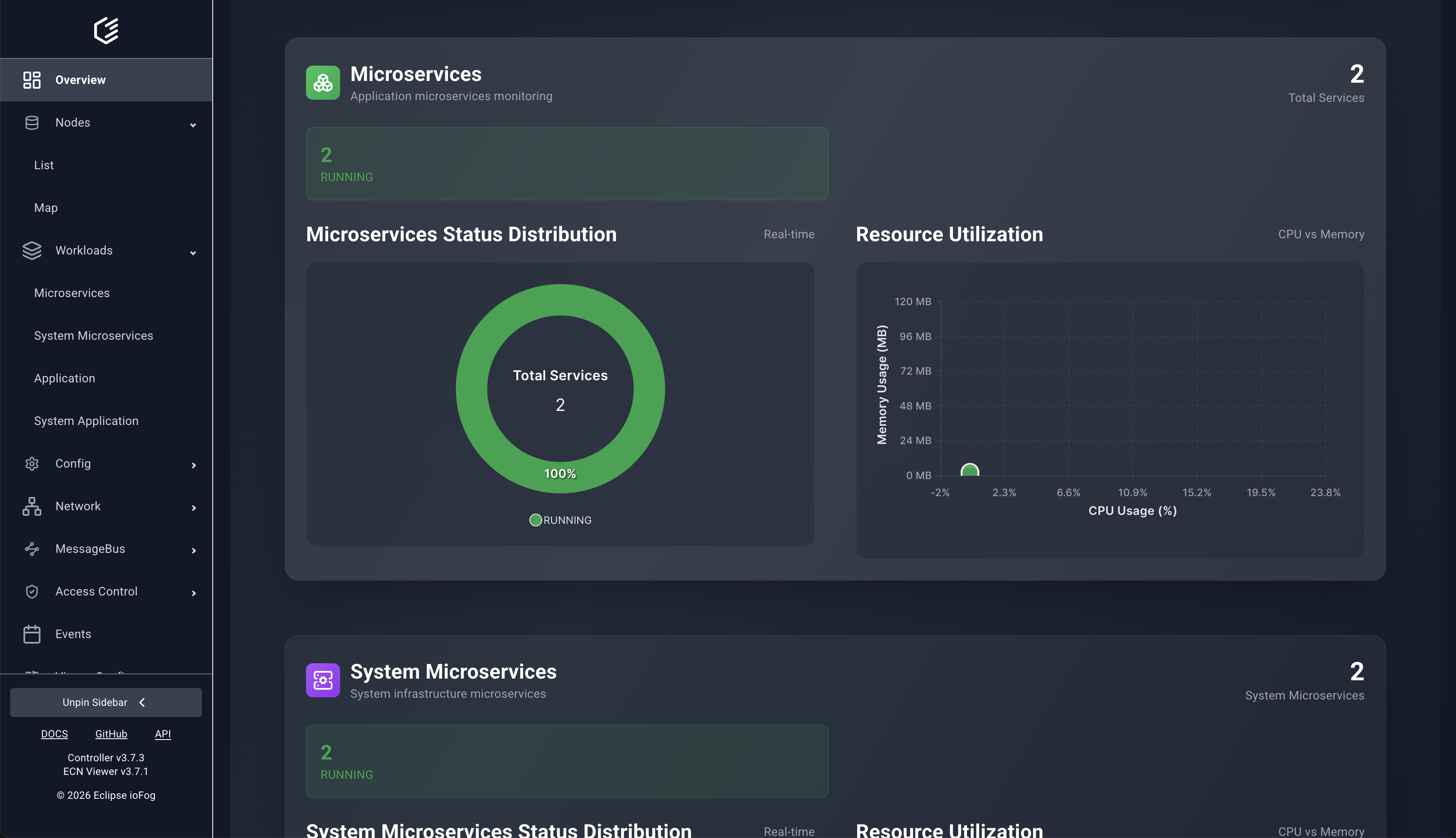
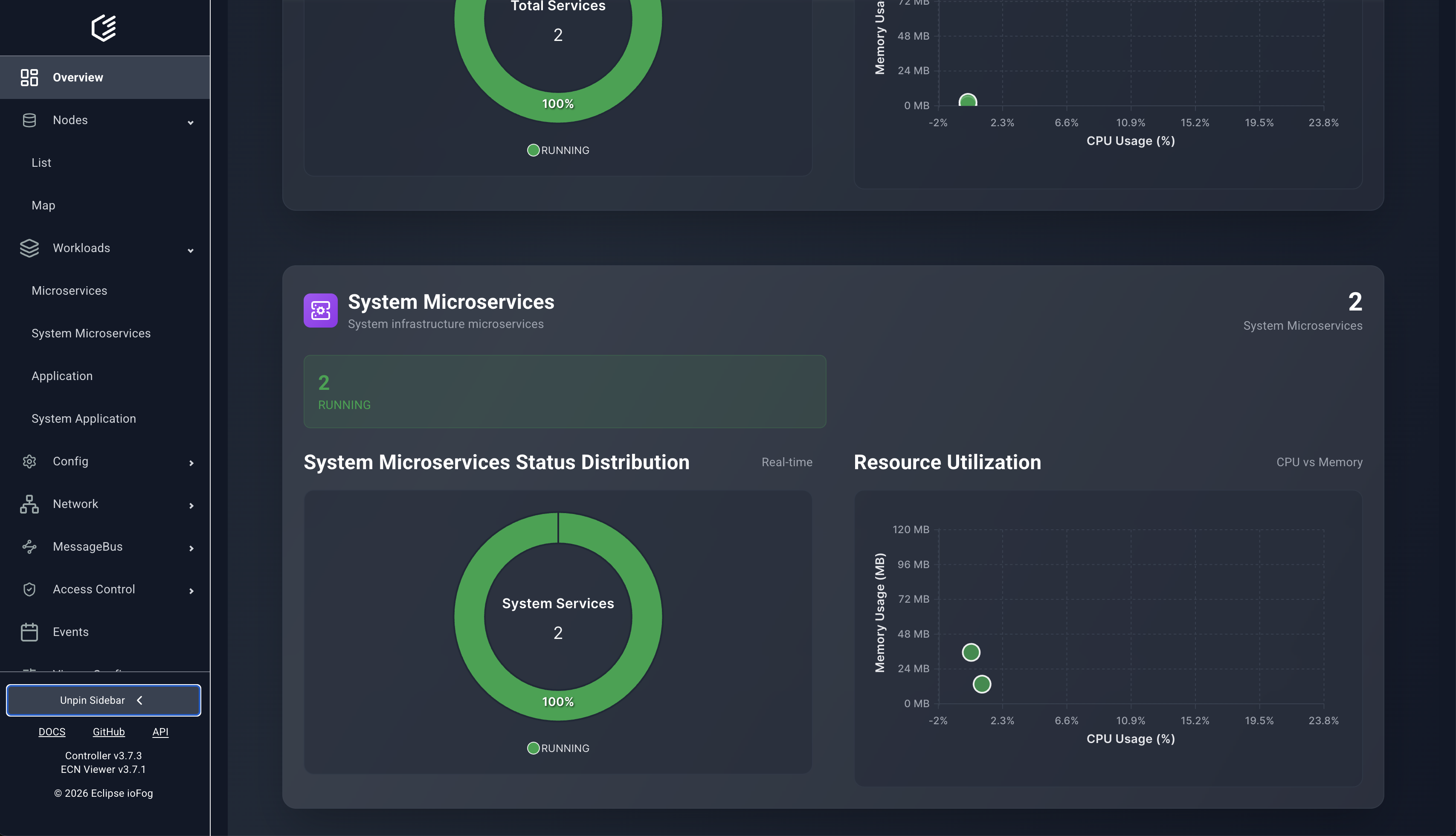
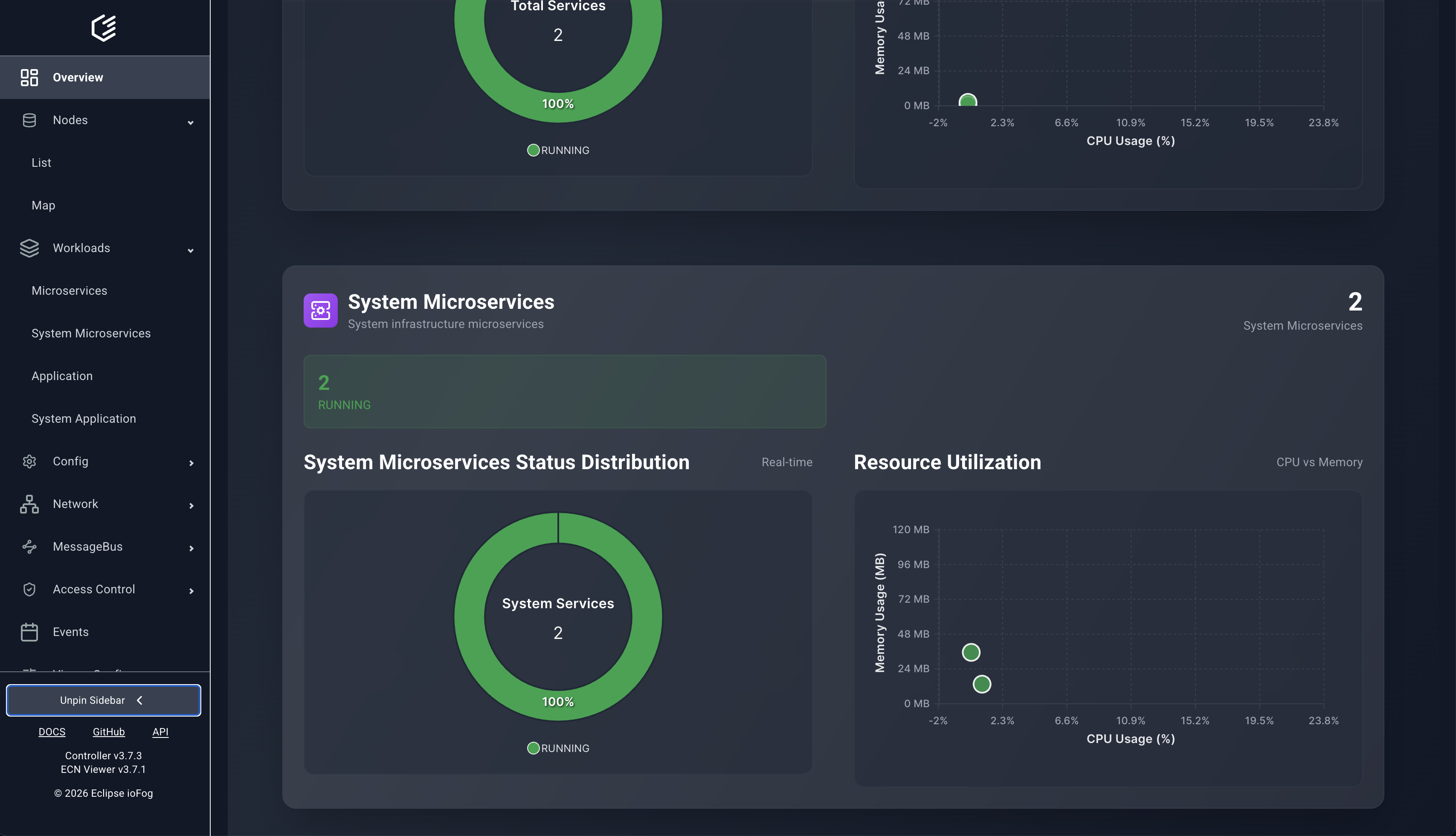
2) Node Operations
Agent list and details
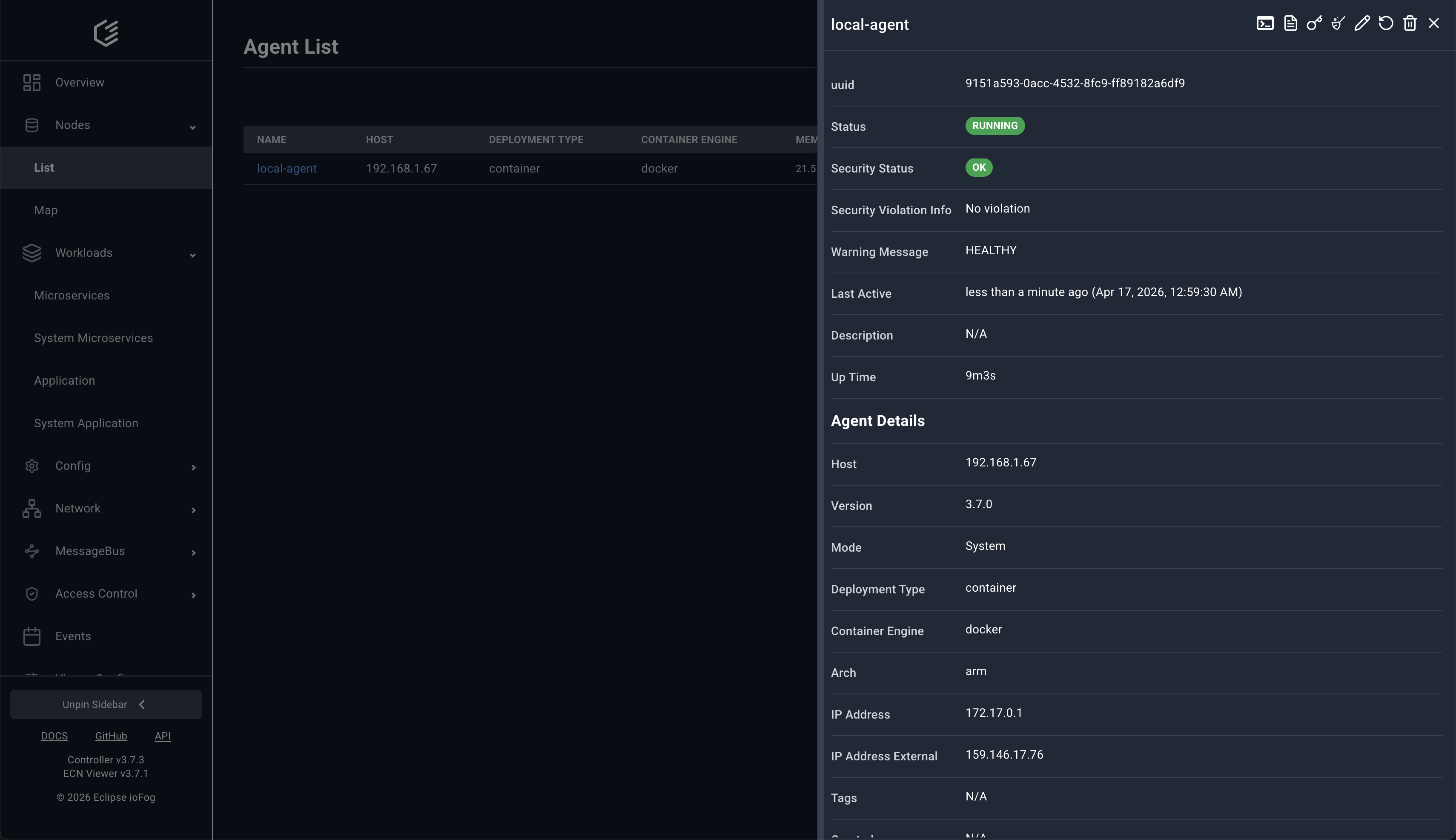
The Nodes > List page shows Agent status, host, deployment type, and resource usage. Selecting an Agent opens a right-side details panel.
Agent shell and YAML editing
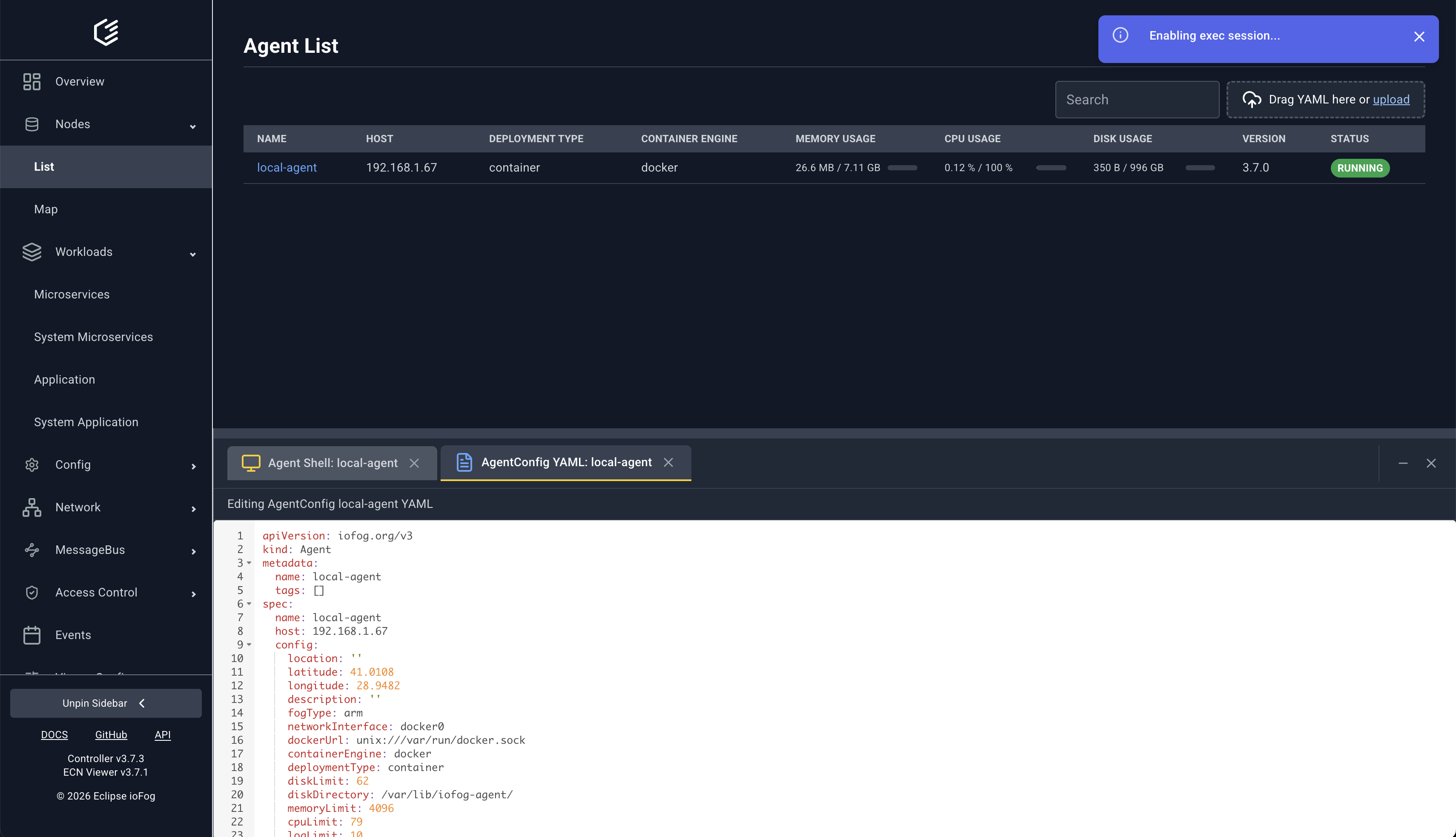
From the same page, operators can open an interactive shell and edit Agent YAML directly.
Geographic map view
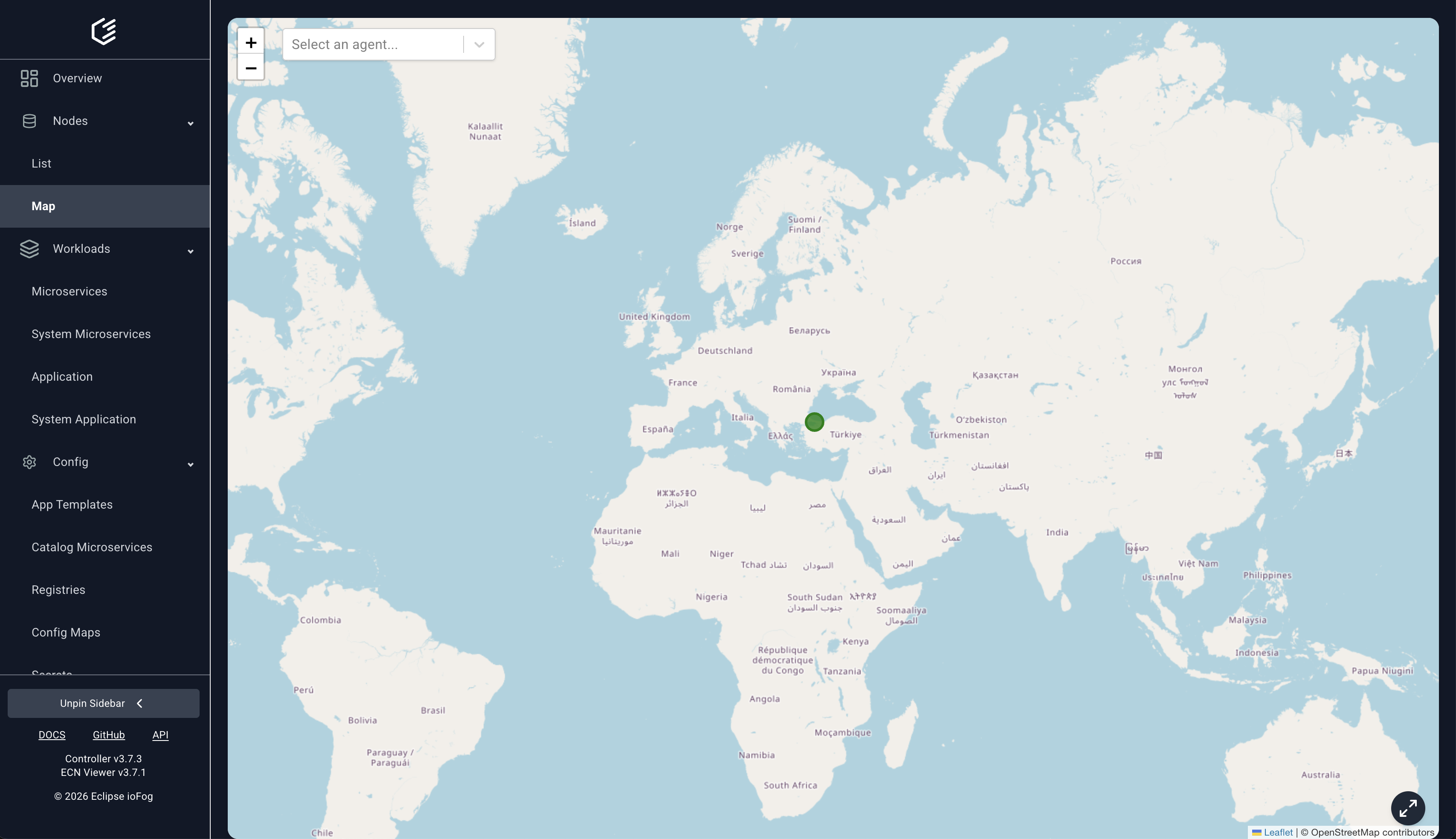
The Nodes > Map page visualizes where Agents are running.
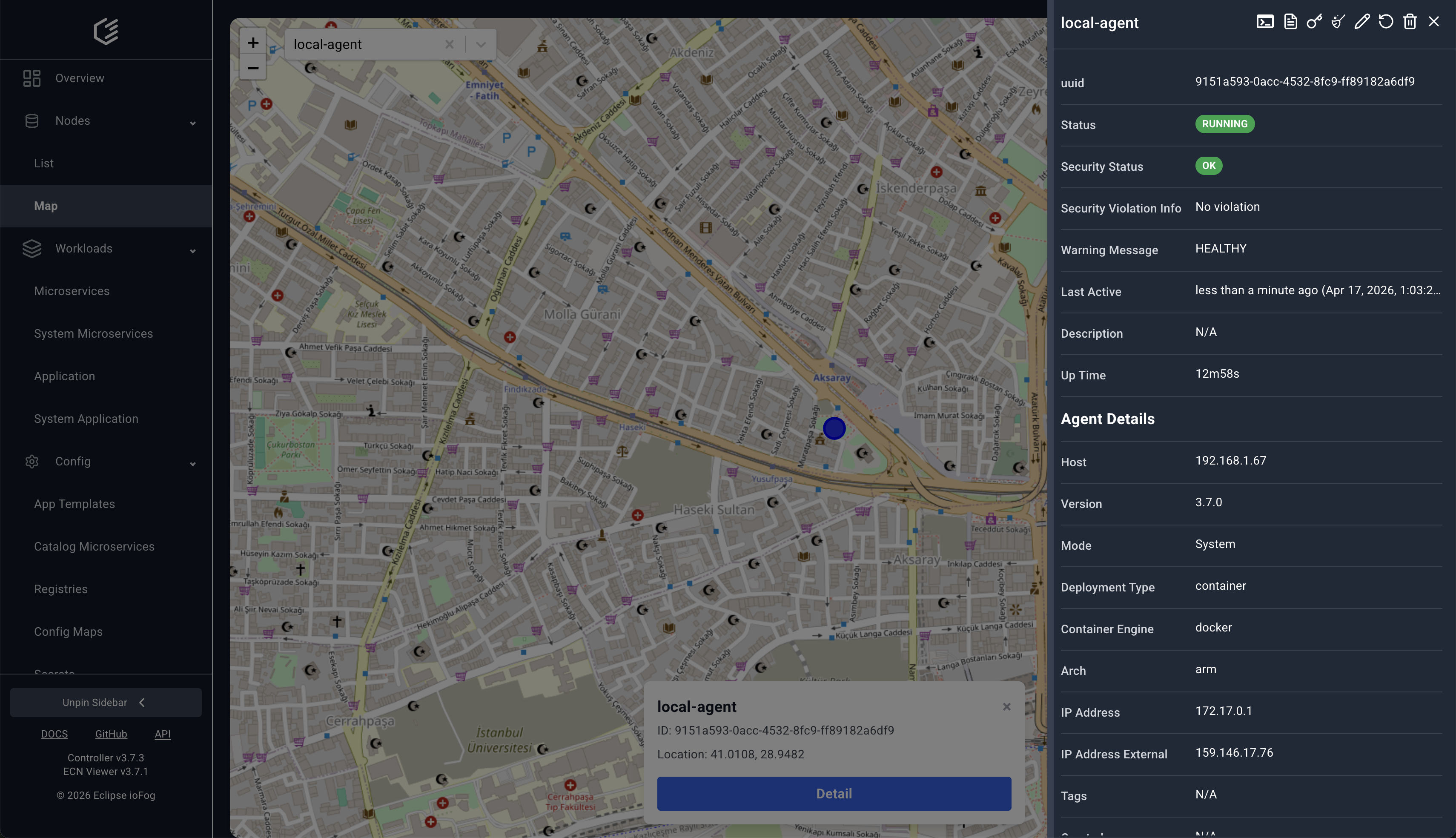
Selecting an agent marker opens a location popup and details panel.
3) Workload Operations
Microservices
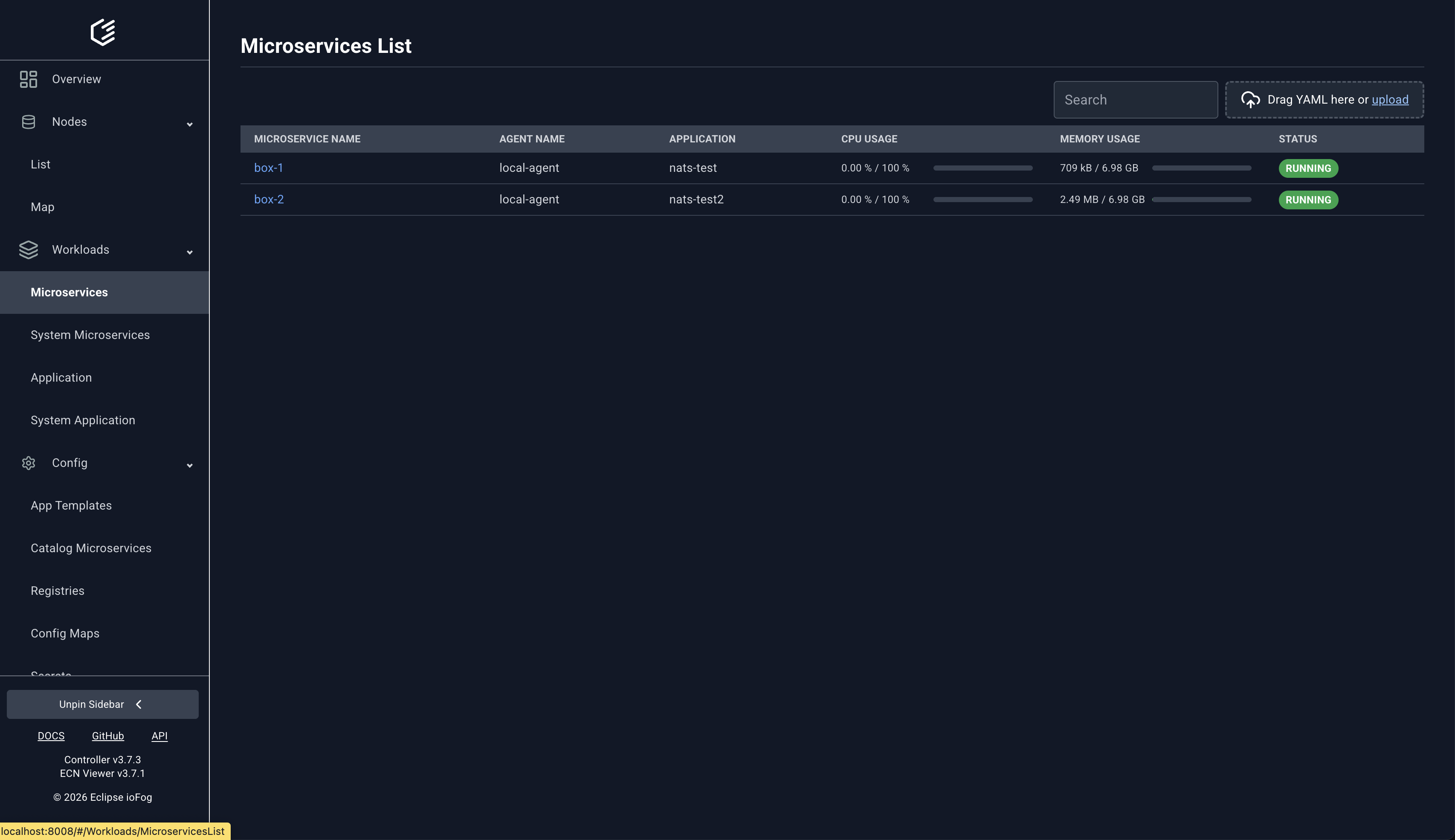
The Workloads > Microservices list provides filtering and quick status checks.
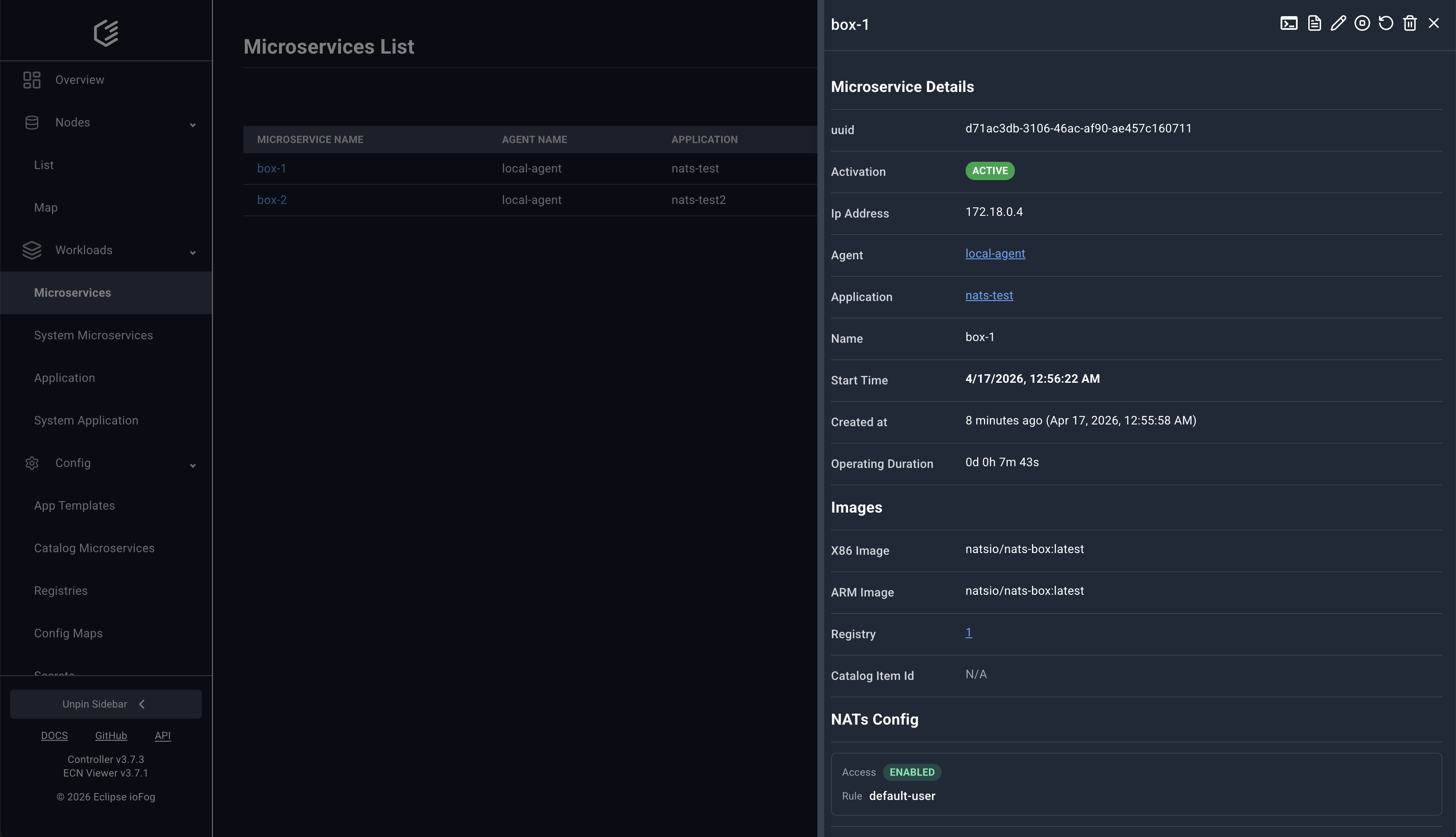
Each microservice has a detailed panel with runtime metadata and configuration context.
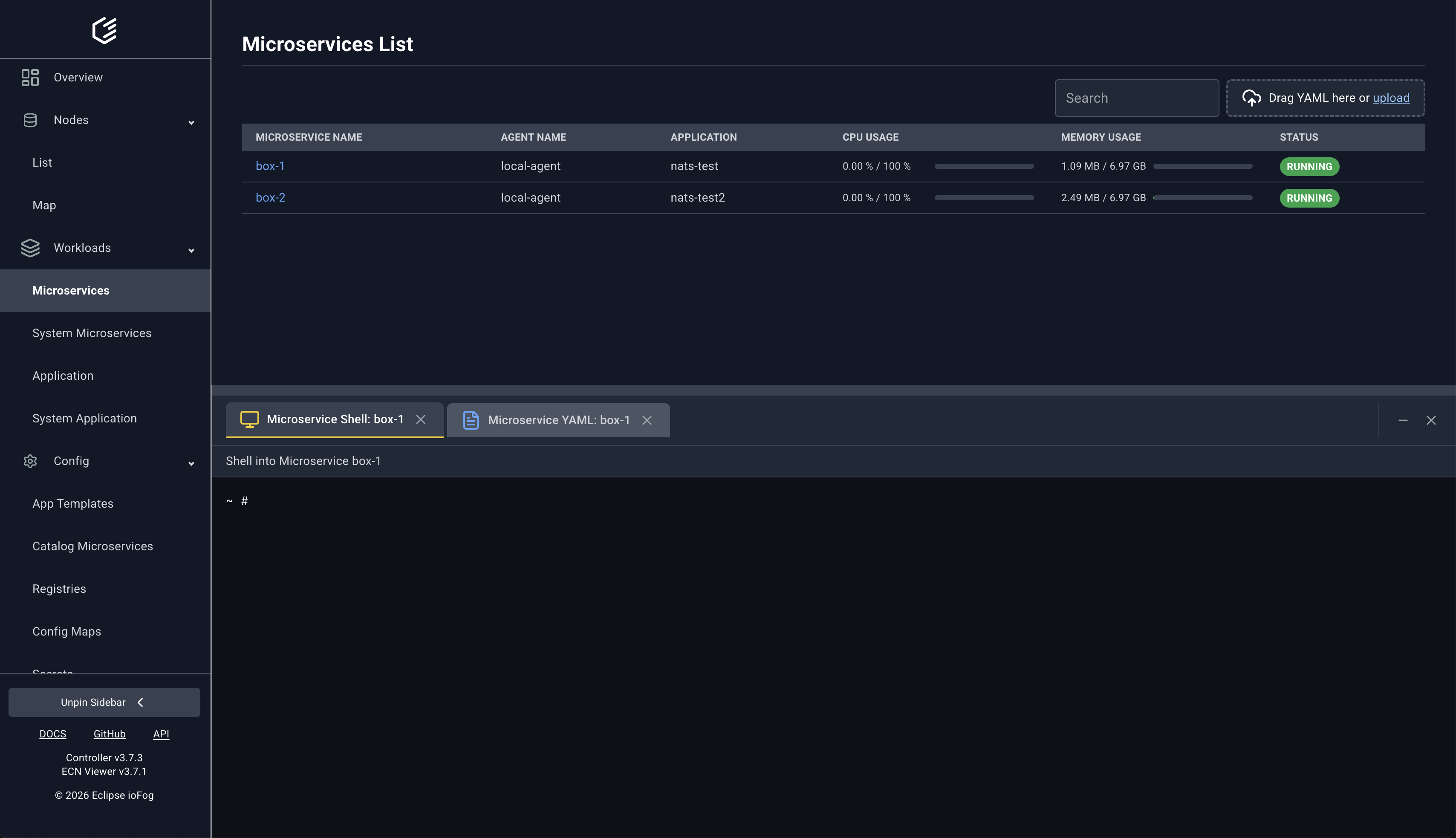
Remote shell sessions and YAML editing are available directly for running microservices.
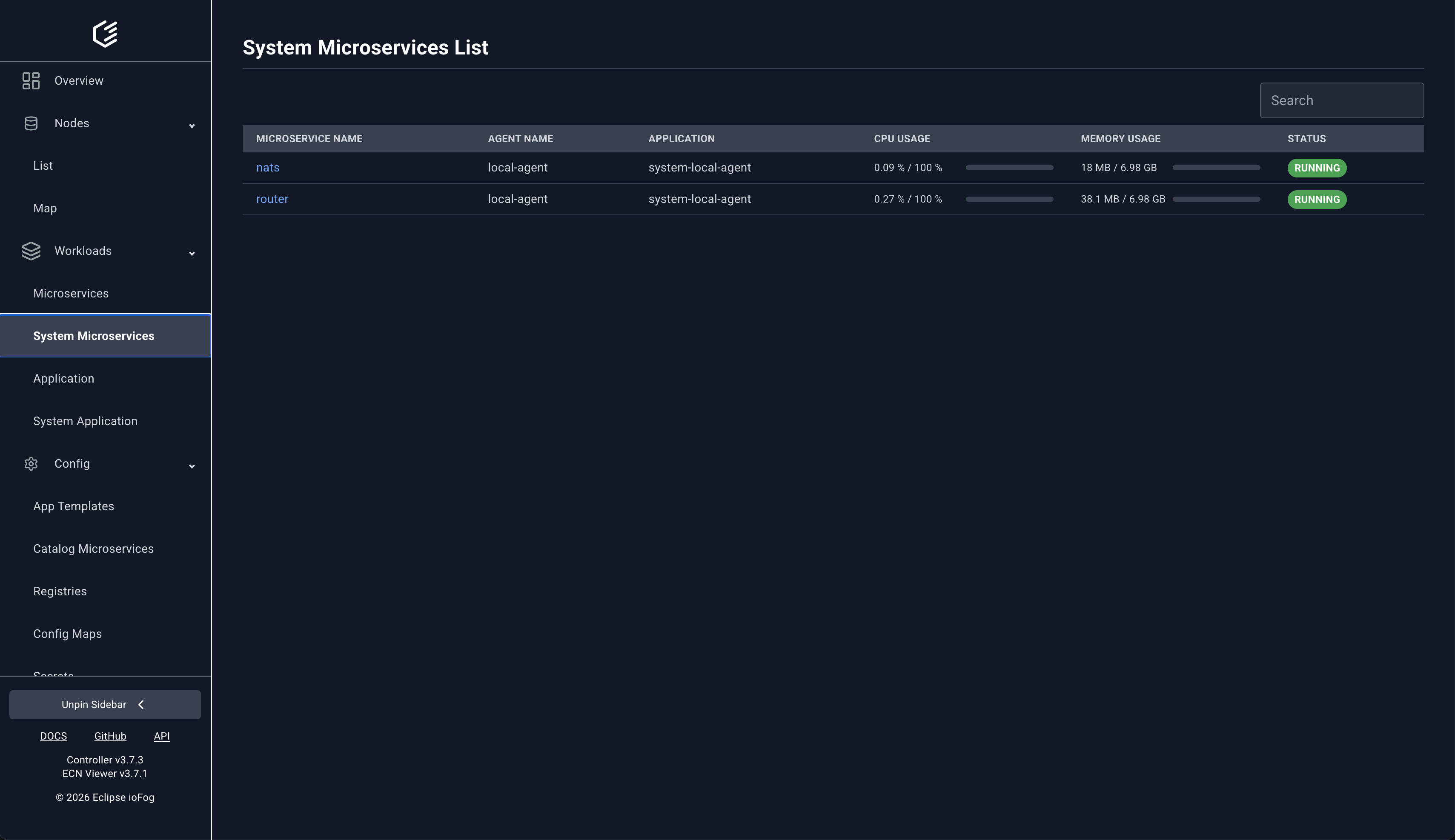
System microservices
Built-in services such as Router/NATs are managed from Workloads > System Microservices.
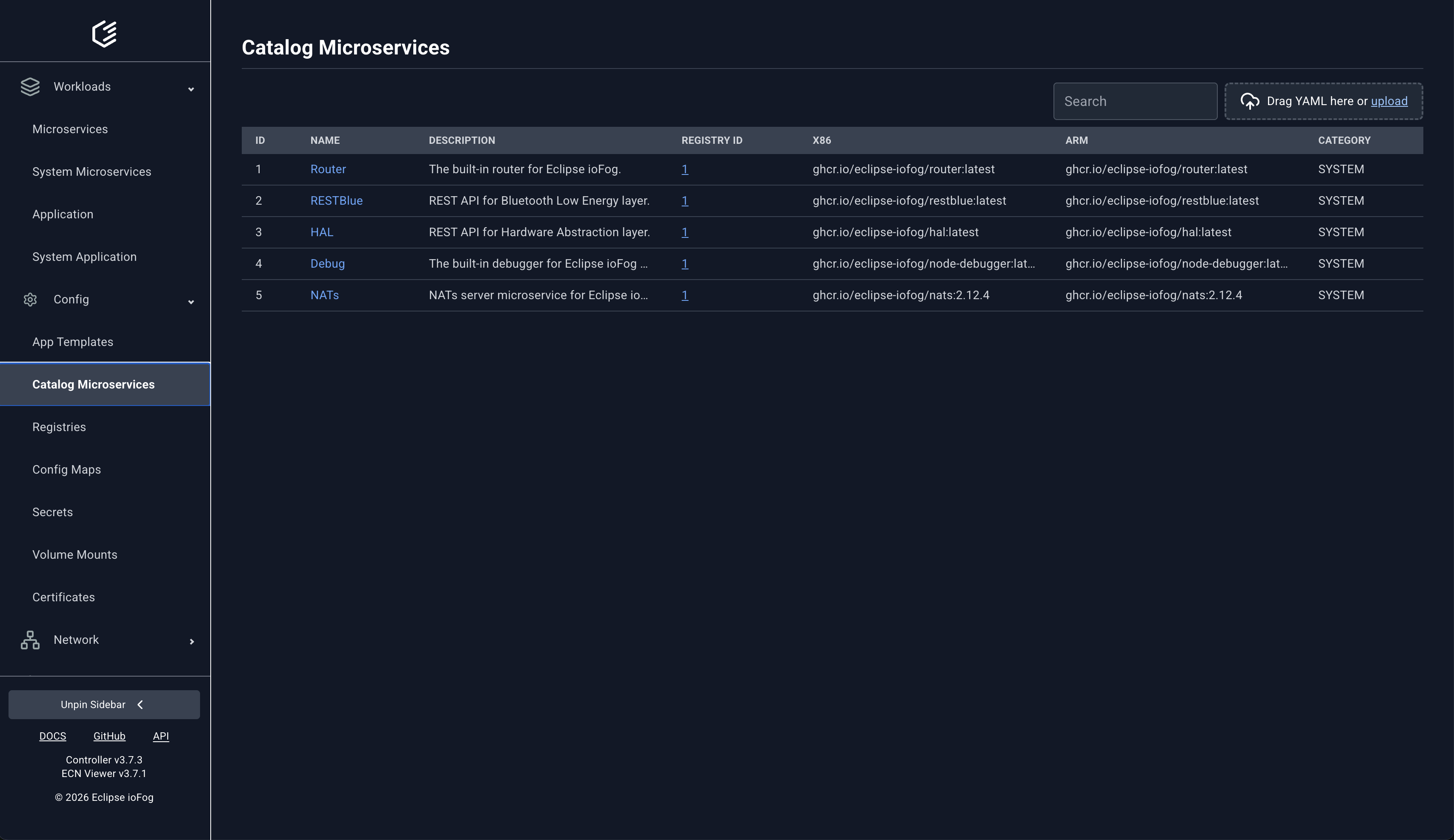
Catalog microservices
Use Catalog Microservices to browse deployable items and image variants.
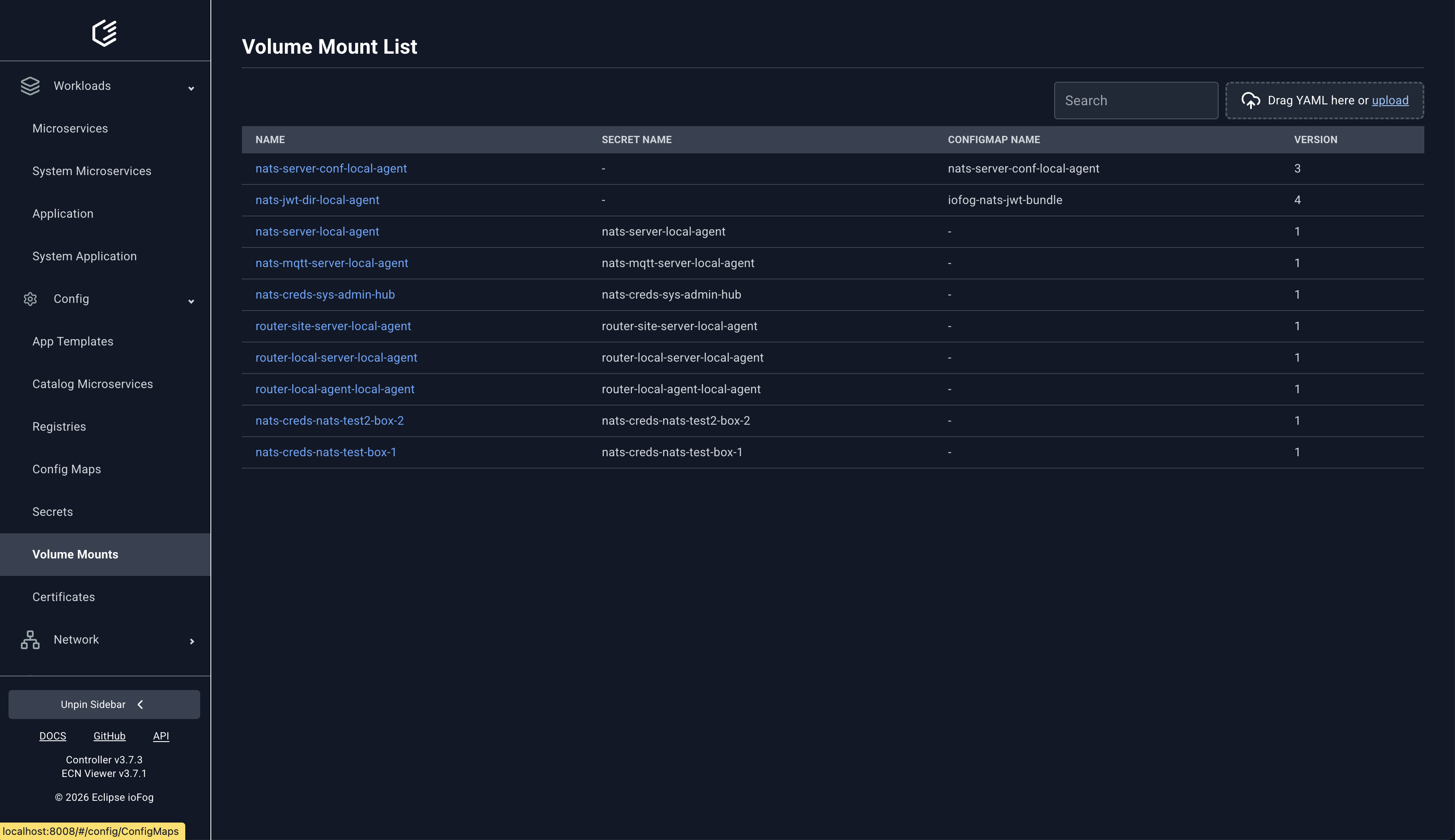
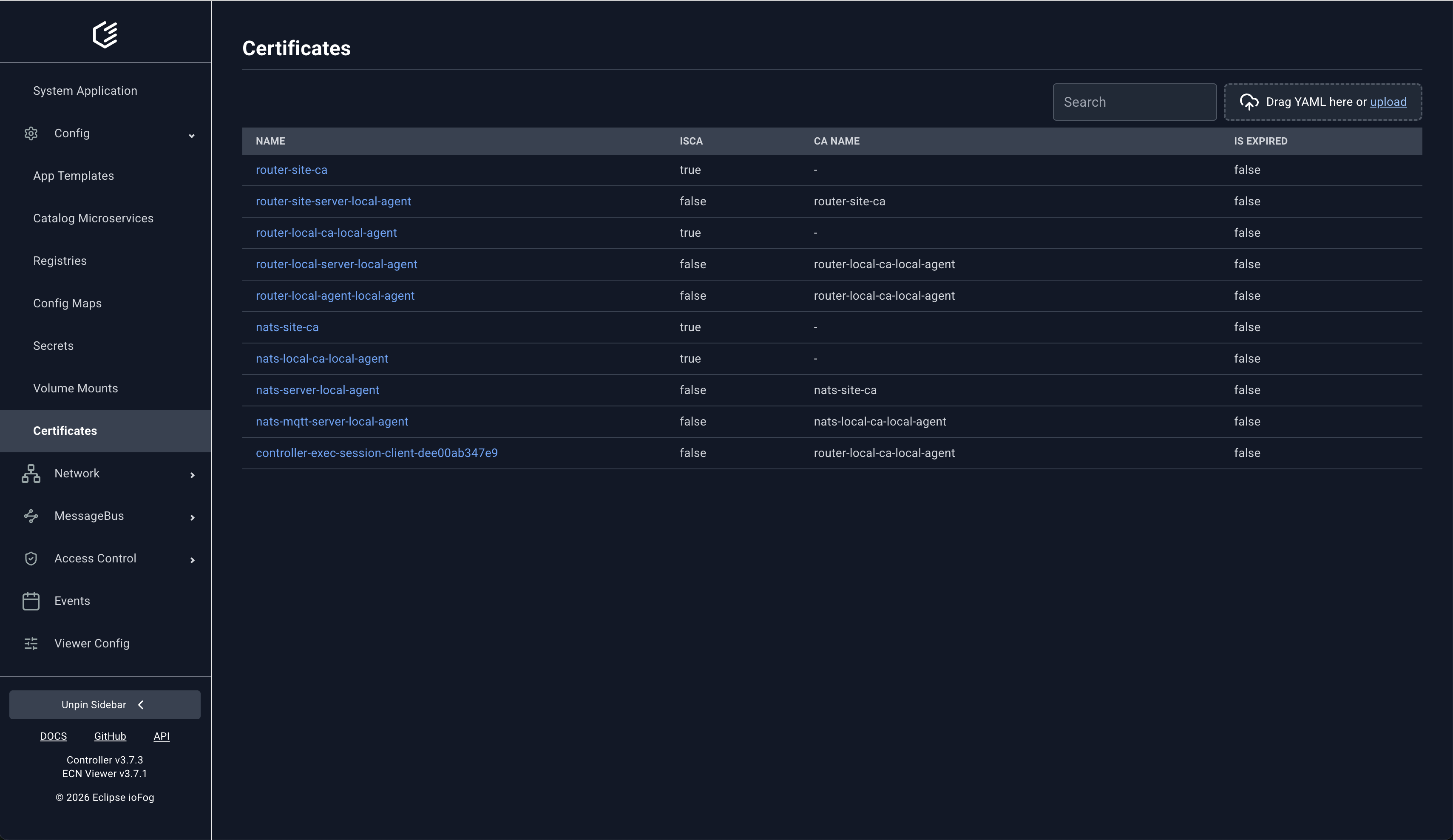
4) Config and Security Resources
ECN Viewer provides dedicated pages for config resources used by workloads and agents.
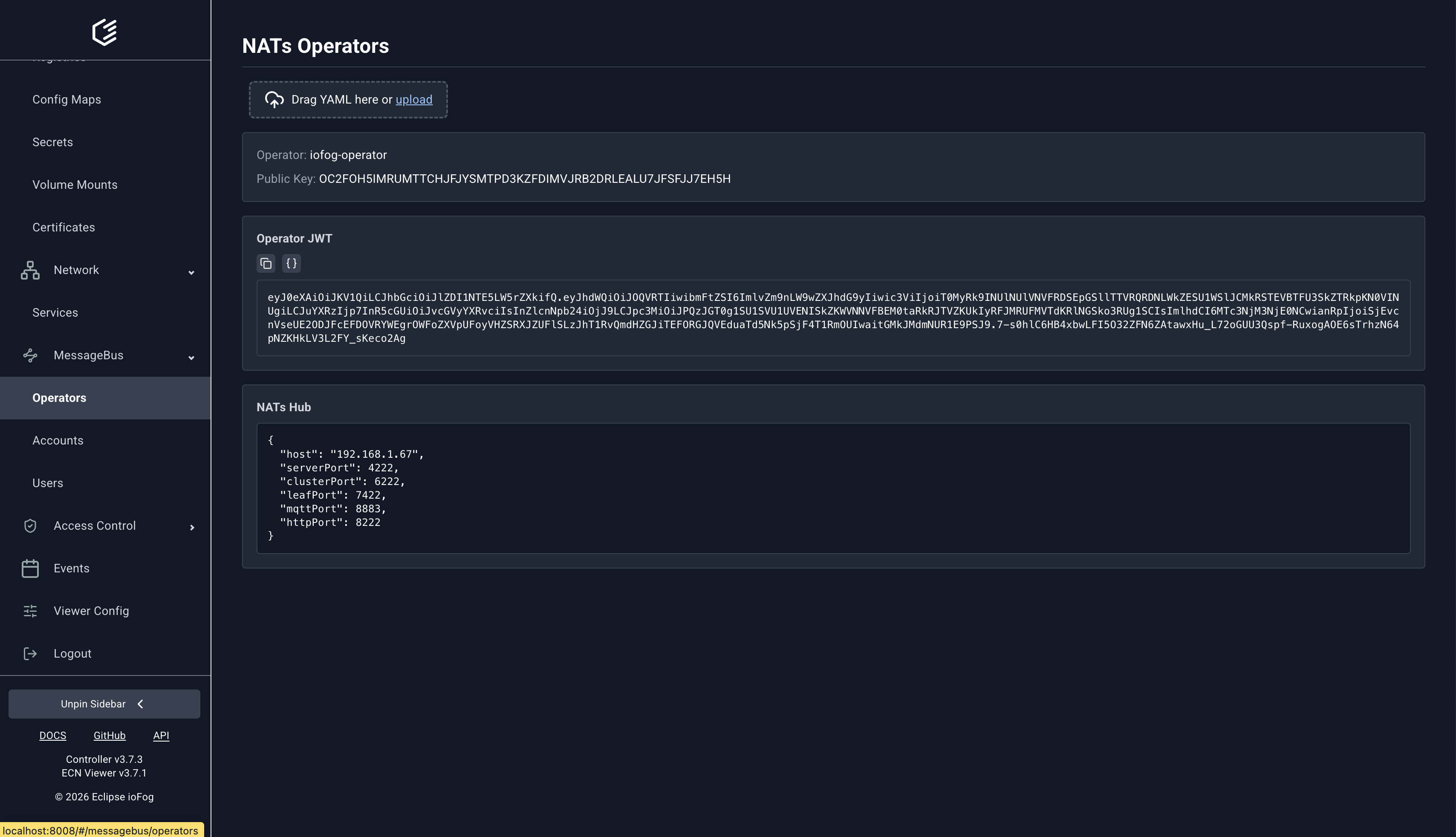
5) MessageBus (NATs) Management
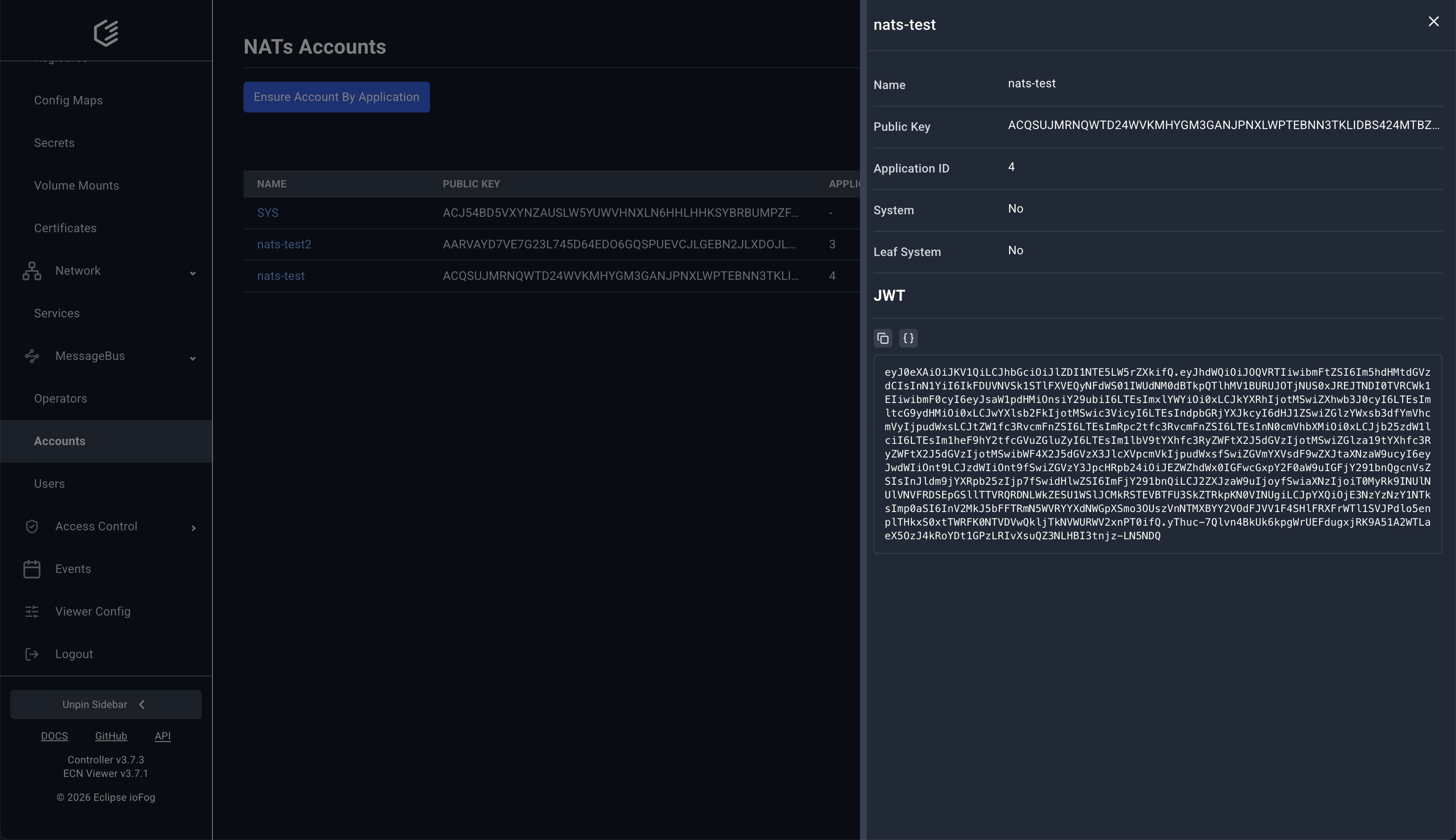
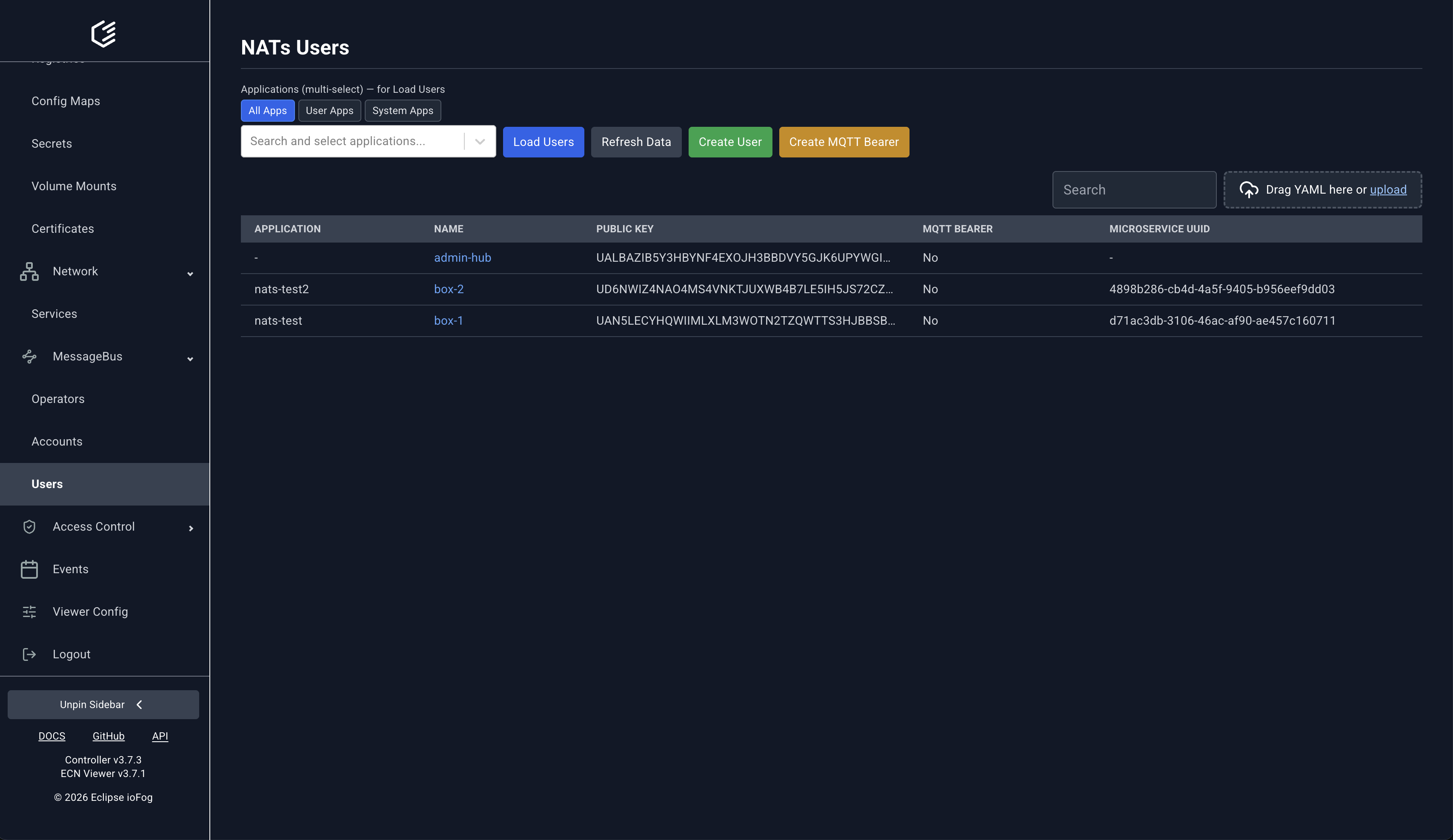
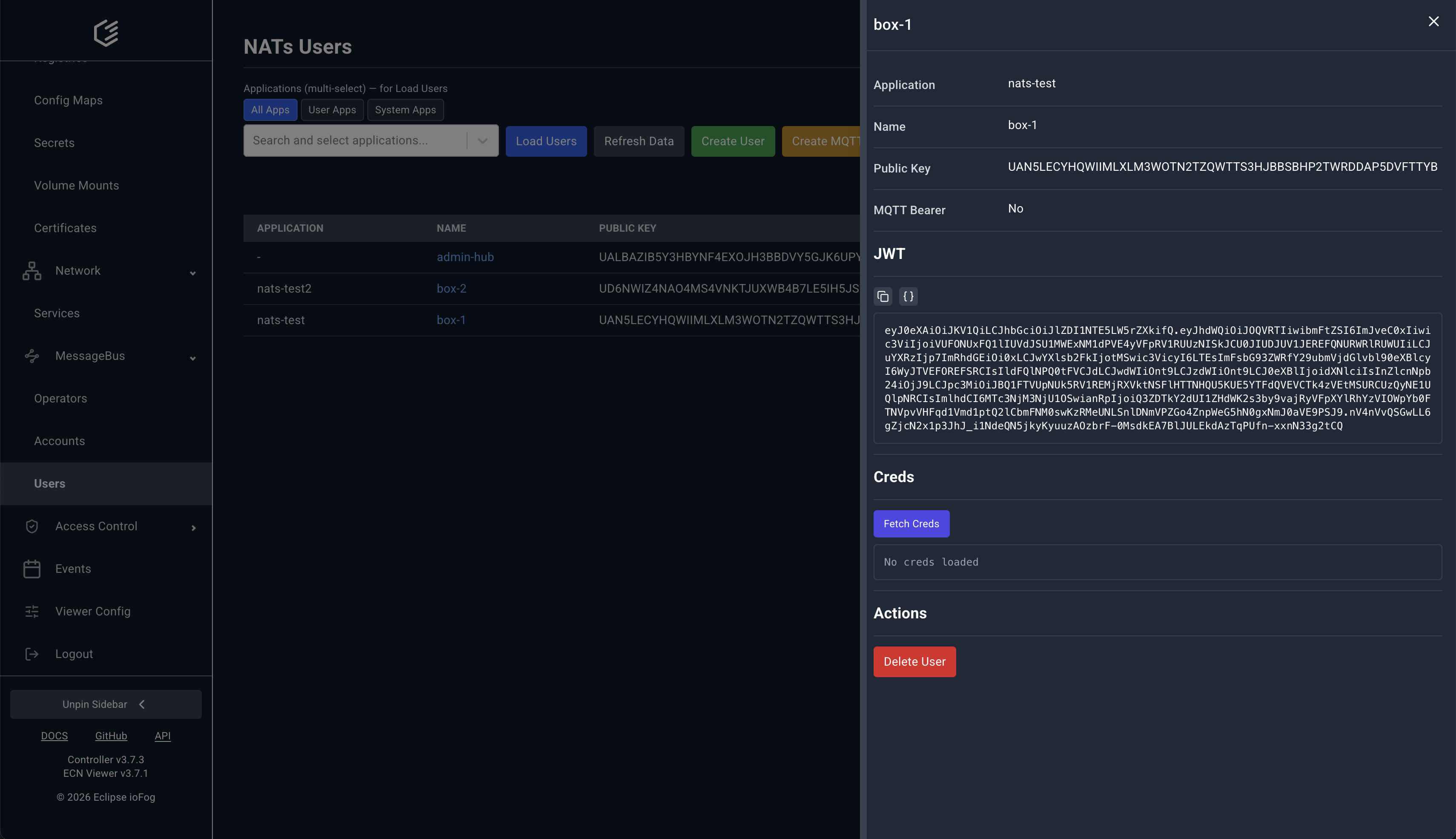
MessageBus pages expose NATs operator, account, and user operations directly in the UI.
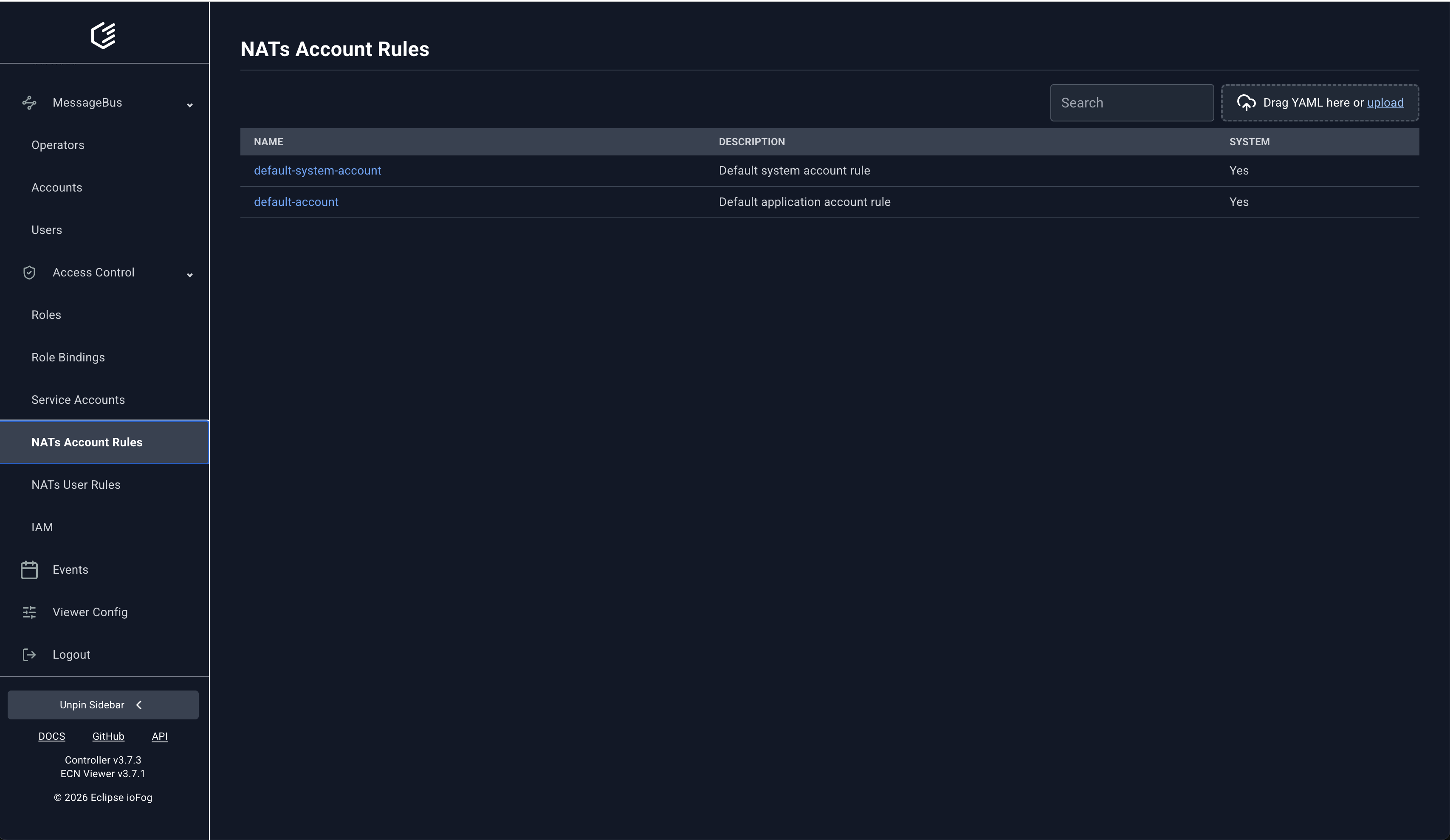
NATs account rules are managed under Access Control.
6) Events and Audit Trail
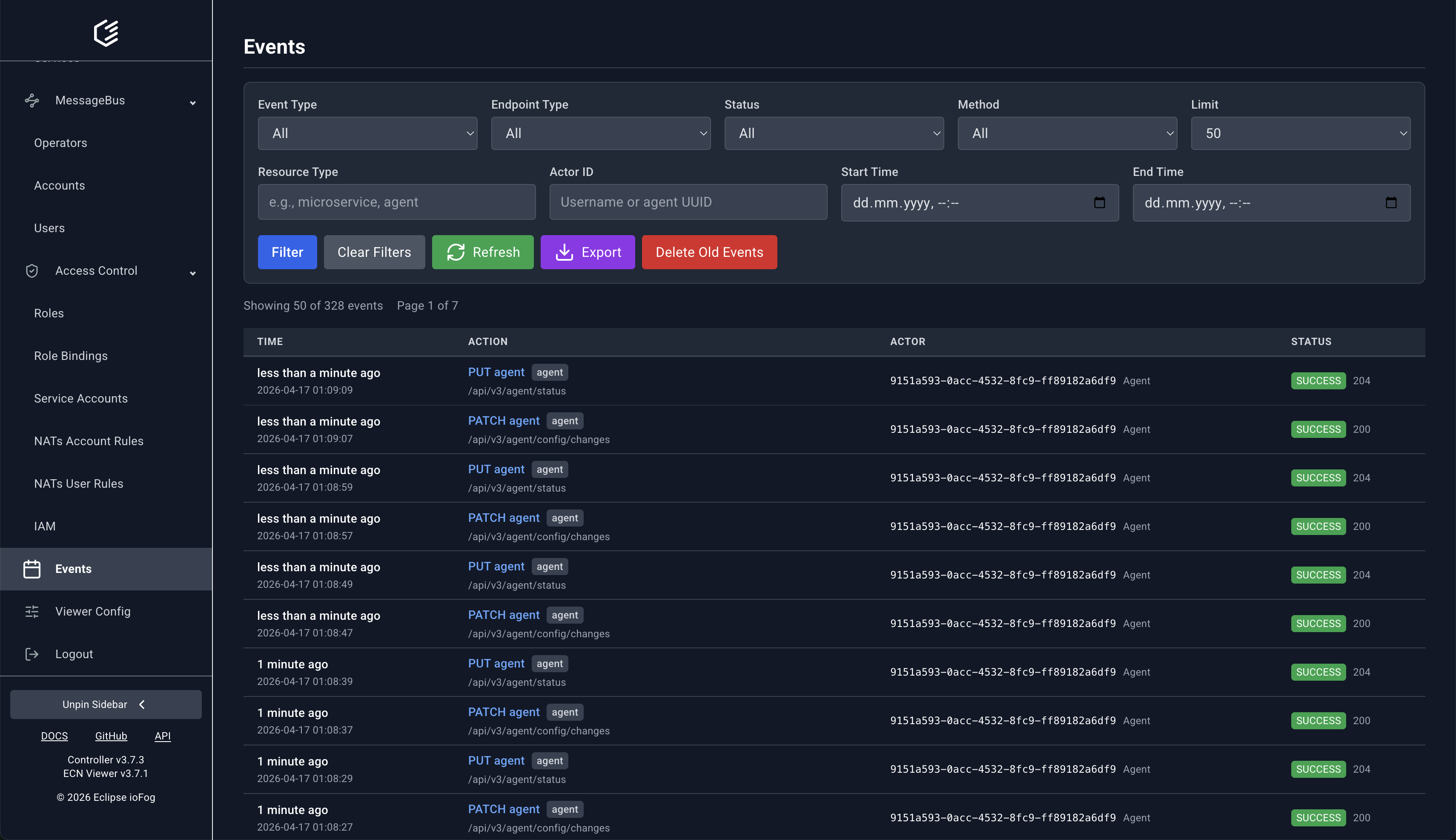
Use Events to audit API activity. Filters support endpoint type, status, method, resource type, actor, and time range.
Operational Scope
- ECN Viewer covers day-to-day management, observability, and audit workflows.
- Initial platform installation and some bootstrap tasks are still handled with
iofogctl.
